












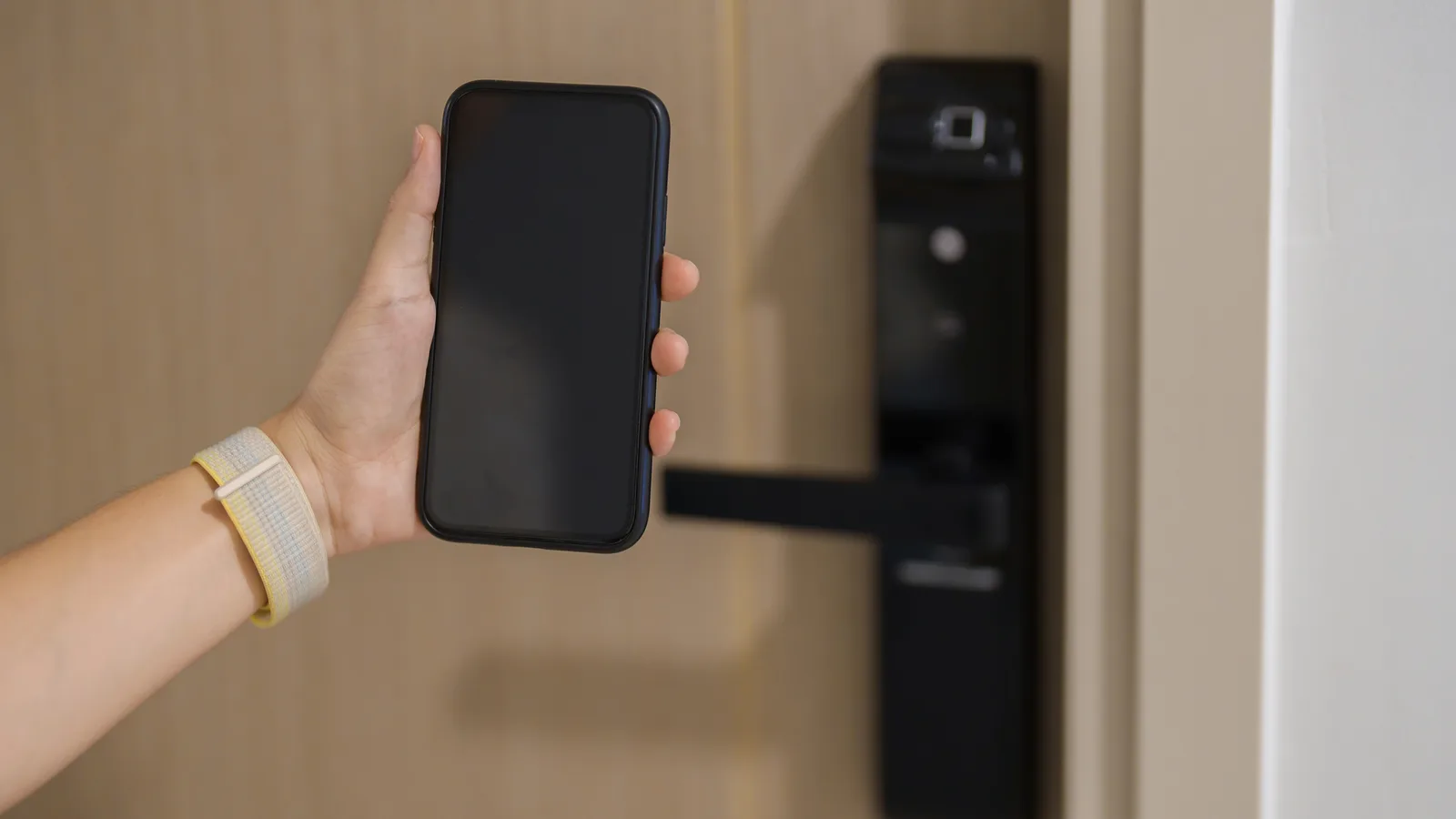
Android phones can now carry a house key. Google's release notes for Google Play services version 26.44, dated November 9, 2026, say users can add residential keys for Matter locks that support the Aliro standard to Google Wallet, set up through the Google Home app. Tap the phone on the lock and the door opens; with the right hardware on both sides, it can unlock as the owner walks up.
What Aliro is
Aliro is an access standard published by the Connectivity Standards Alliance, the same industry group that runs the Matter smart home standard. Version 1.0 was released on February 26, 2026. It defines how a phone or watch proves to a lock that it holds a valid key, using asymmetric cryptography, and it works over three radios: NFC for tap to open, Bluetooth Low Energy for longer range, and Bluetooth plus ultra-wideband (UWB) for hands-free entry. Apple, Google and Samsung have all committed to supporting it in their wallets, along with lock makers including ASSA ABLOY, Allegion and Kwikset. The alliance says it covers single-family and multifamily homes and works without a network connection.
The practical point for a buyer is that a lock certified to Aliro is meant to work with any of those wallets, rather than only with one company's app.
What you need
Google's Wallet help page lists the requirements:
- An Aliro-compatible smart lock, added to Google Home.
- An Android phone with NFC, for tap to unlock.
- For unlock on approach, a lock and a phone that both support UWB with Aliro. Google names the Pixel 10 Pro, Pixel 10 Pro XL and Pixel 10 Pro Fold and newer models on Android 17 or later, and says to check with the manufacturer for others.
Unlock on approach can be turned on for every compatible lock, but the phone actively connects to at most four at a time. The toggle only appears when both devices support it.
How setup and removal work
In Google Home, the owner opens the lock under All devices, goes to Settings and taps Google Wallet key, then Add to Wallet. A new Aliro lock offers the same option during setup, along with a passcode. The key is added to every compatible device signed in to the same Google account, and removing it from one removes it from all of them. A factory reset or remote erase of the phone deletes the key, which then has to be added again. Google's help page says digital key sharing with guests is not supported, and it advises keeping a physical key as a backup.
Wallet keys can also come from a property manager, for apartment buildings that offer them. Those work differently: removing one from a phone does not disable it, and only the property manager can turn it off.
Before you buy a lock for this
Check that the lock's packaging or product page says Aliro, not only Matter or Bluetooth, and check whether it supports UWB if hands-free entry is the reason for buying it. A Matter lock without Aliro can still be controlled from Google Home, but it cannot hold a Wallet key.
Loading comments…